 ✦ Snapshots the instant a file changes
Back up the moment
it changes.
SpectArk watches the folders you actually care about and snapshots them the instant a file changes — versioned like Time Machine, to any disk or NAS, optionally end-to-end encrypted. No schedule, no gap.
macOS 14+ · Apple Silicon & Intel · Free & open source (MIT)
Realtime backup
The instant you
hit save.
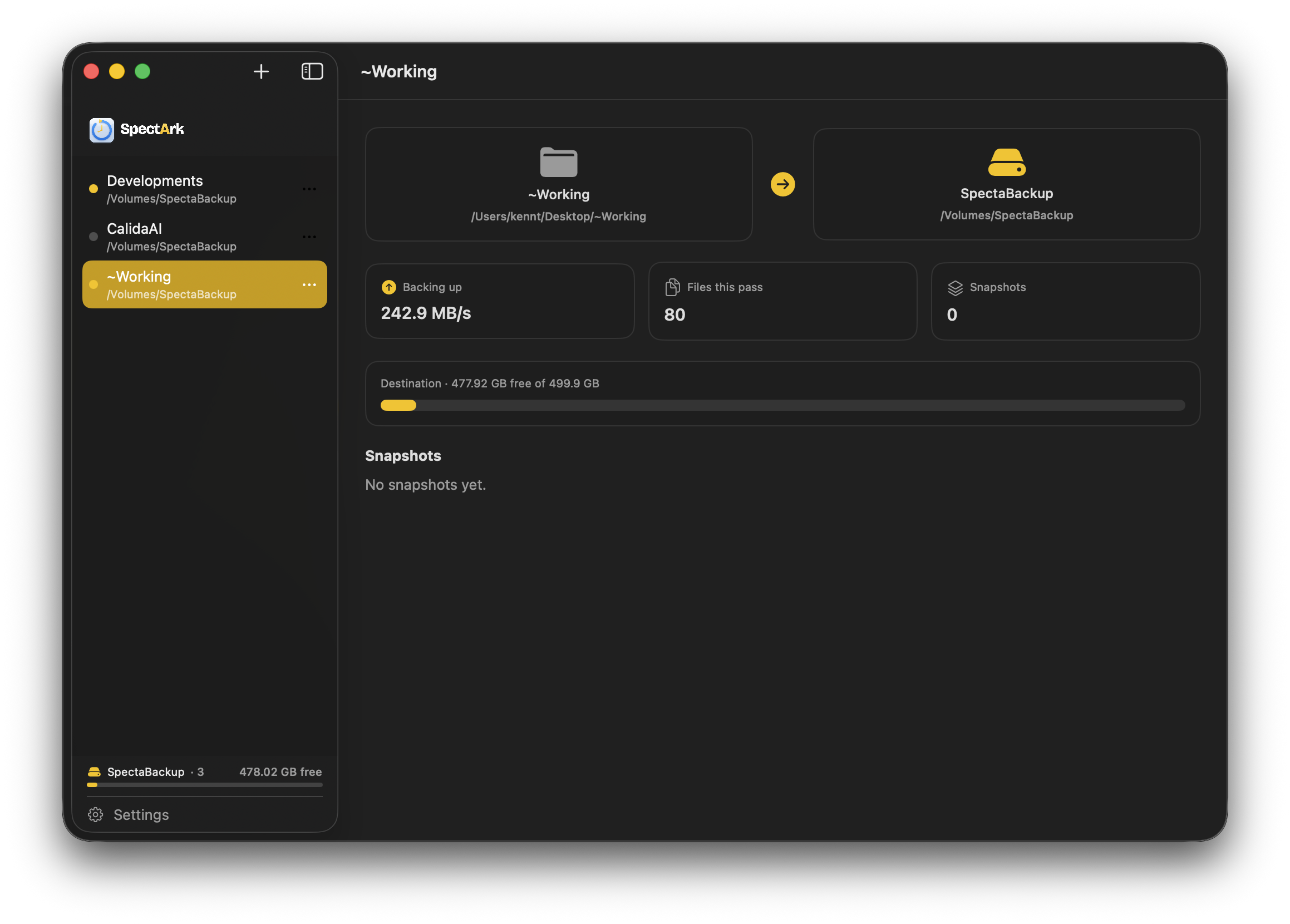
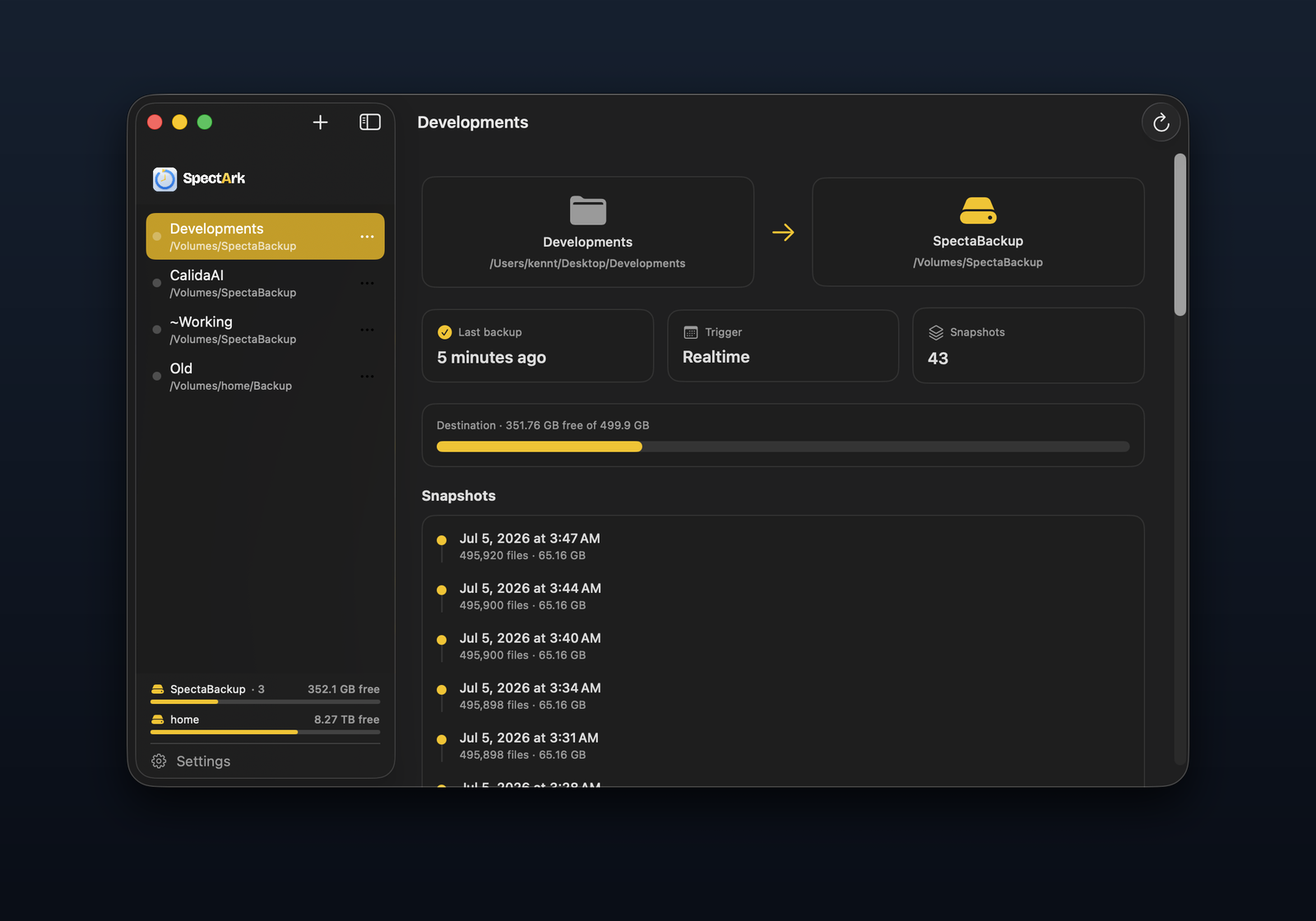
Point SpectArk at the folder you're actively working in and it snapshots the moment a file changes — no schedule, no interval to tune. It closes the gap a scheduled backup always leaves, and the one Git leaves too: your work between commits is safe the second you type it.
- Watches folders live with FSEvents — snapshots on change
- Or run on an interval, per backup — you choose
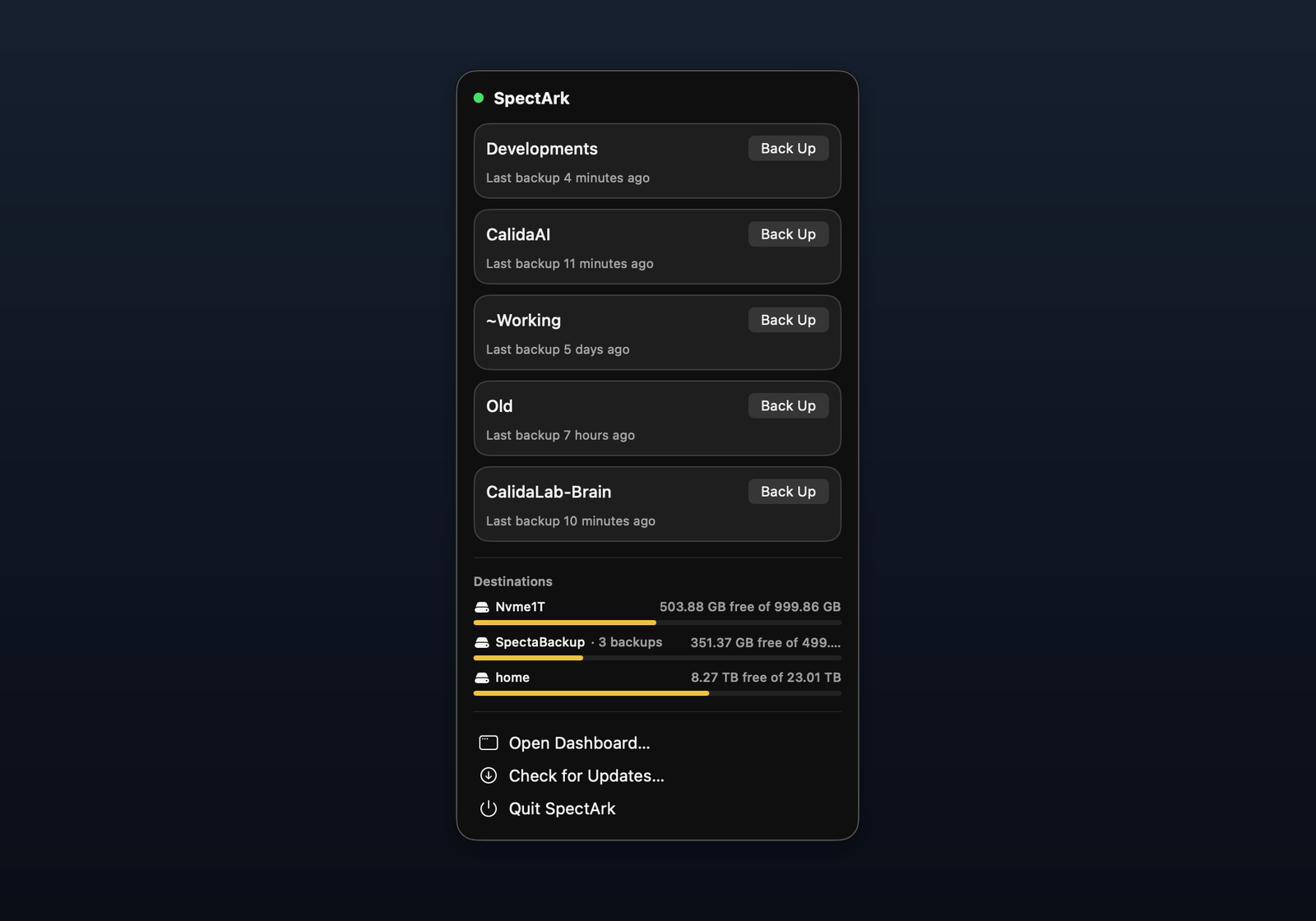
- Menu-bar app with live throughput, free space & last backup
- Resumes automatically if a backup is interrupted
Versioned history
Every version,
browsable in Finder.
SpectArk keeps point-in-time snapshots the way Time Machine does — but only of the folders you chose, so restoring is instant and the history stays small. Unchanged files are shared with APFS clones and hardlinks, so a snapshot costs almost nothing.
- Point-in-time snapshots, Time Machine style
- Unchanged data shared via APFS clones / hardlinks — near-zero cost
- Snapshots stay plain files — browse and restore right in Finder
- Automatic thinning keeps the history tidy over time
Just what matters. Anywhere you like.
Any folder.
Any drive.
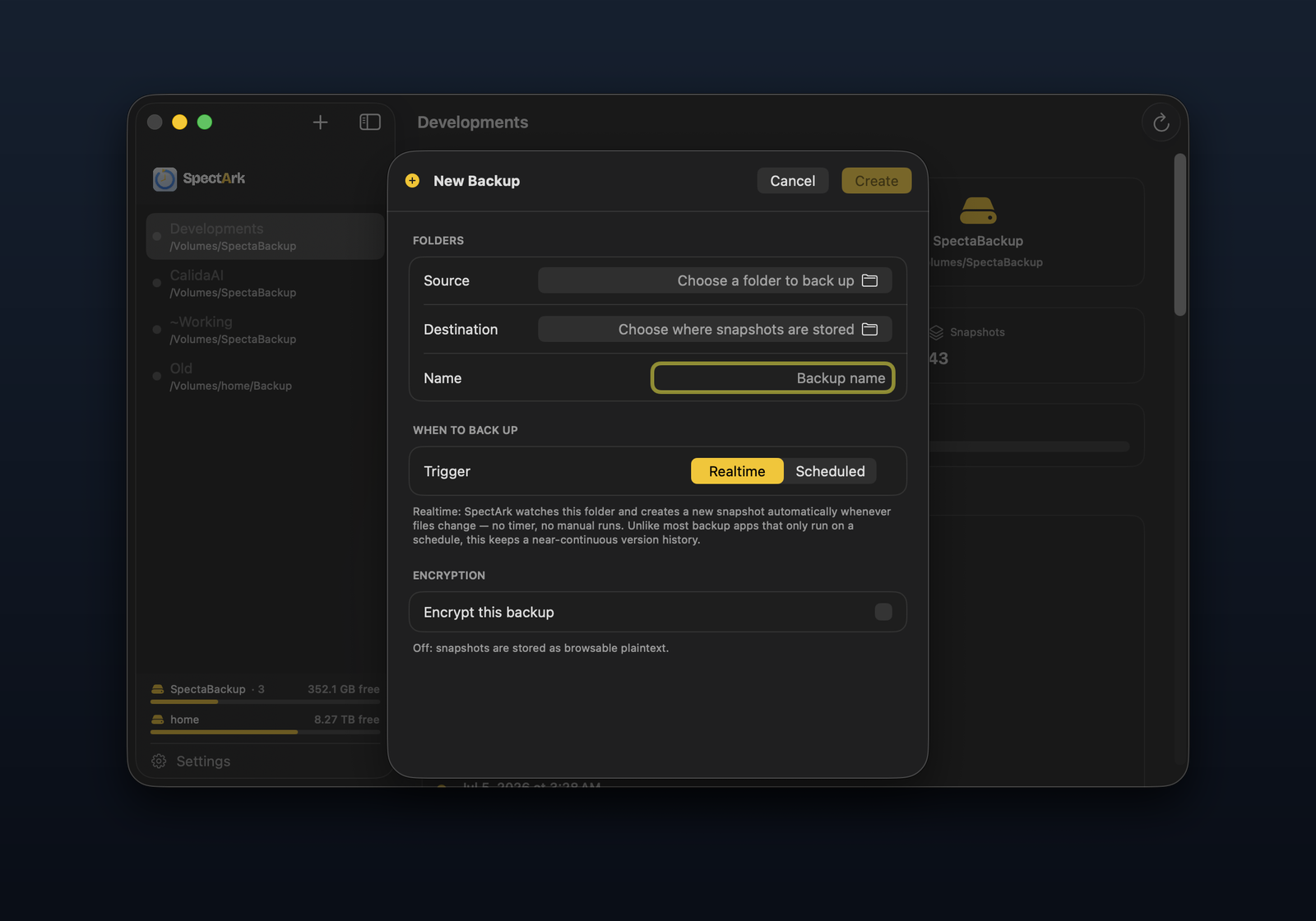
No whole-system copy, no dedicated backup drive. Back up just the source code and projects you can't reinstall, and pair any source folder with any destination — an external SSD, a spare partition, or a NAS. SpectArk detects each destination's capabilities and picks the safe strategy automatically.
- Folder-scoped — back up what you can't re-download, skip the OS
- Local disk or NAS (SMB) — strategy auto-detected per destination
- Multiple source folders, each paired with its own destination
- No drive dedicated to backups — snapshots live where you want
Optional end-to-end encryption
The backup shouldn't
become the leak.
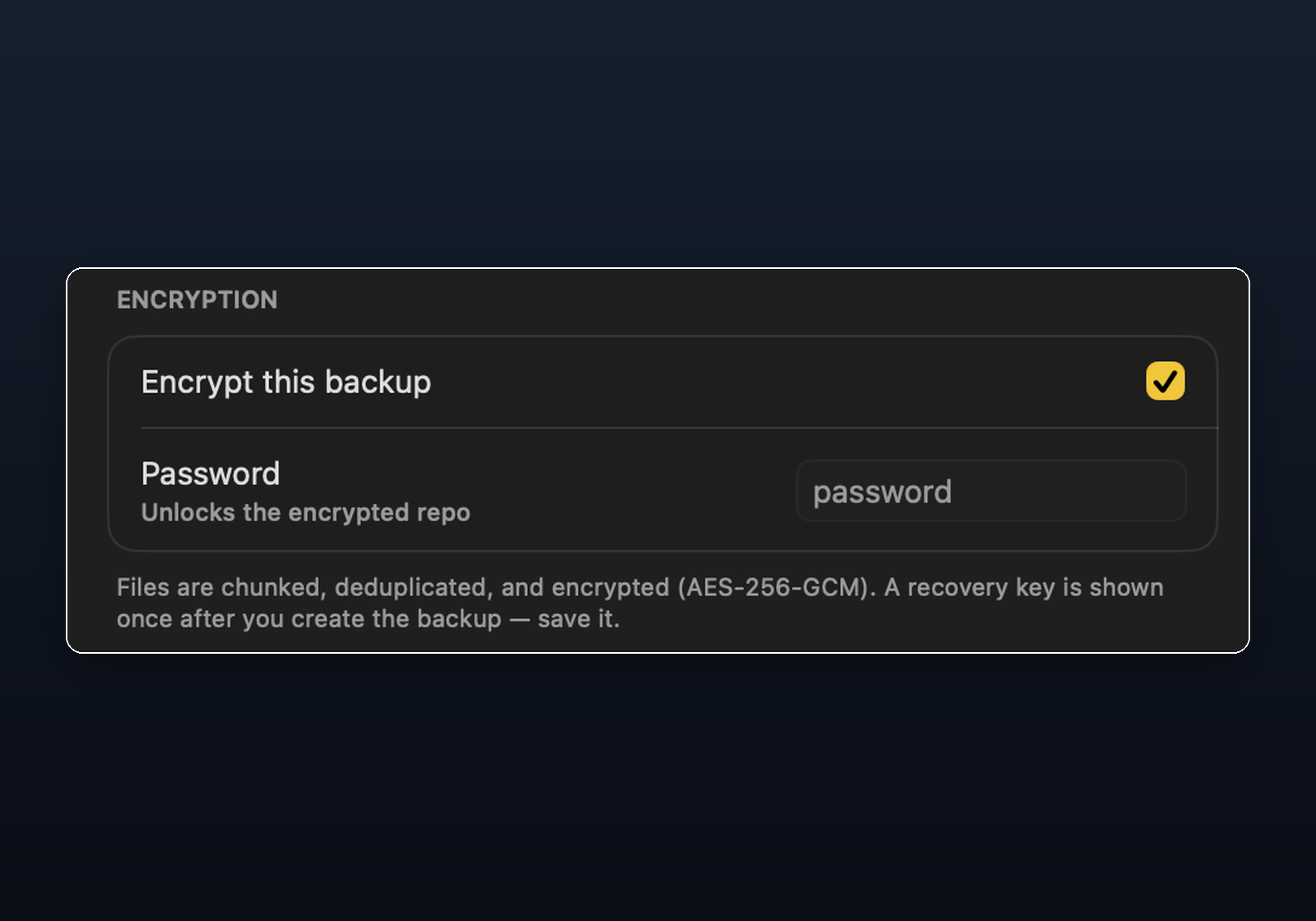
A backup drive or NAS can be lost or stolen — and a plaintext copy hands over every file on it. So any backup can be encrypted end-to-end, unlocked only by your password, with a one-time recovery key as a fallback. It's off by default: when you don't need it, snapshots stay browsable plaintext.
- AES-256-GCM with argon2id-derived keys
- Content-defined chunking + dedup — encrypted, still efficient
- One-time recovery key so you're never locked out
- Opt-in per backup — plaintext stays browsable when you don't need it
Built for correctness
APFS source snapshots for consistent reads, clonefile/copyfile, atomic rename publish with a COMPLETE marker, and an F_FULLFSYNC-durable SQLite catalog. The filesystem is the source of truth.
Yours, entirely
Free and open source (MIT). No account, no telemetry, no cloud. Developer ID signed and notarized by Apple, and it keeps itself up to date in place.
One Mac app. Menu bar + dashboard.
Native on Apple Silicon and Intel.
Download SpectArk
Free and open source. Grab the latest signed, notarized DMG — open it and drag SpectArk to Applications.
Signed & notarized · Universal · macOS 14+ · in-app auto-update.